
📅 Course Access ends 21st Aug, 2026
🔍 Where are My Courses?
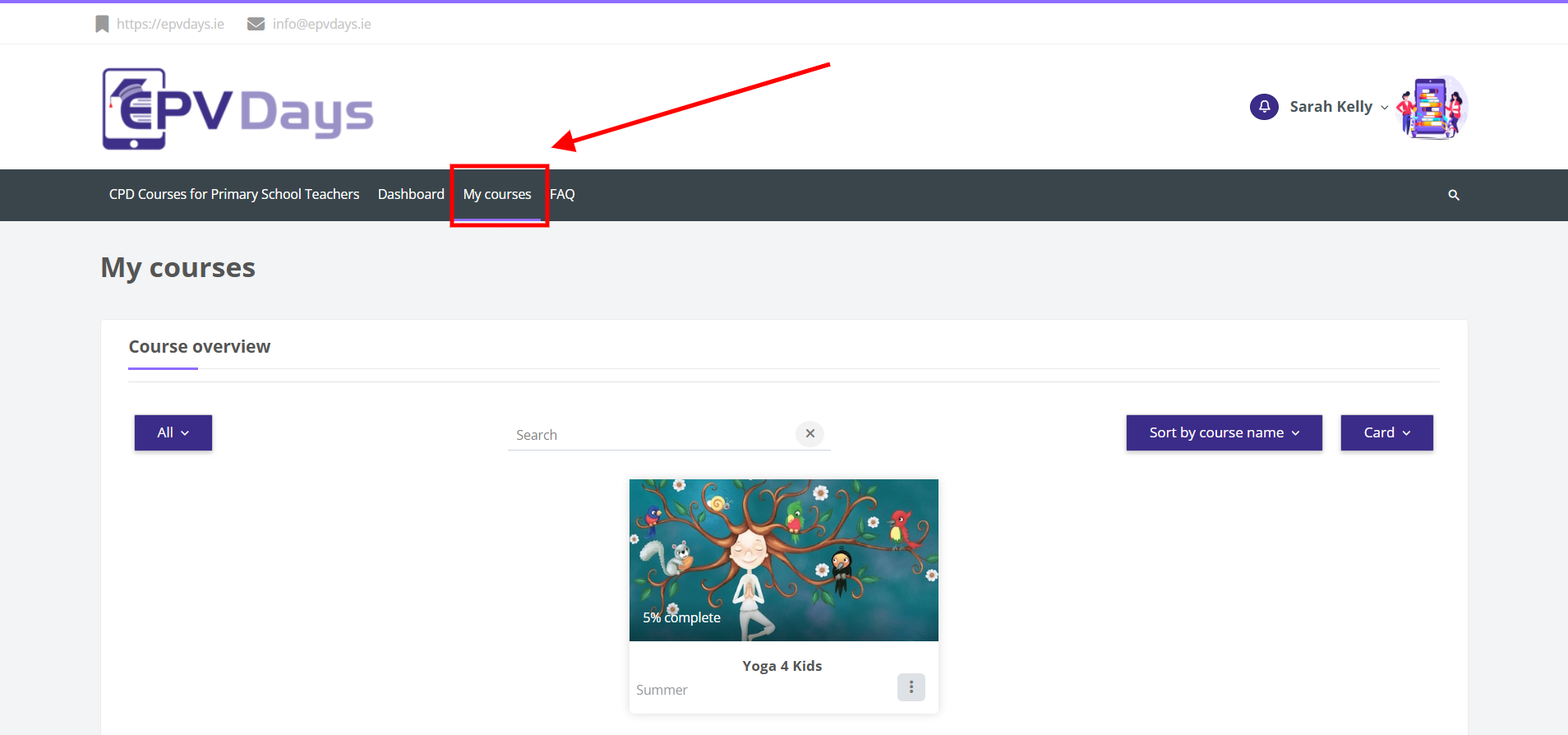
After you log in to the dashboard for the first time, click on the menu item called My Courses, and your course will appear below.
📊 How do I check my time?
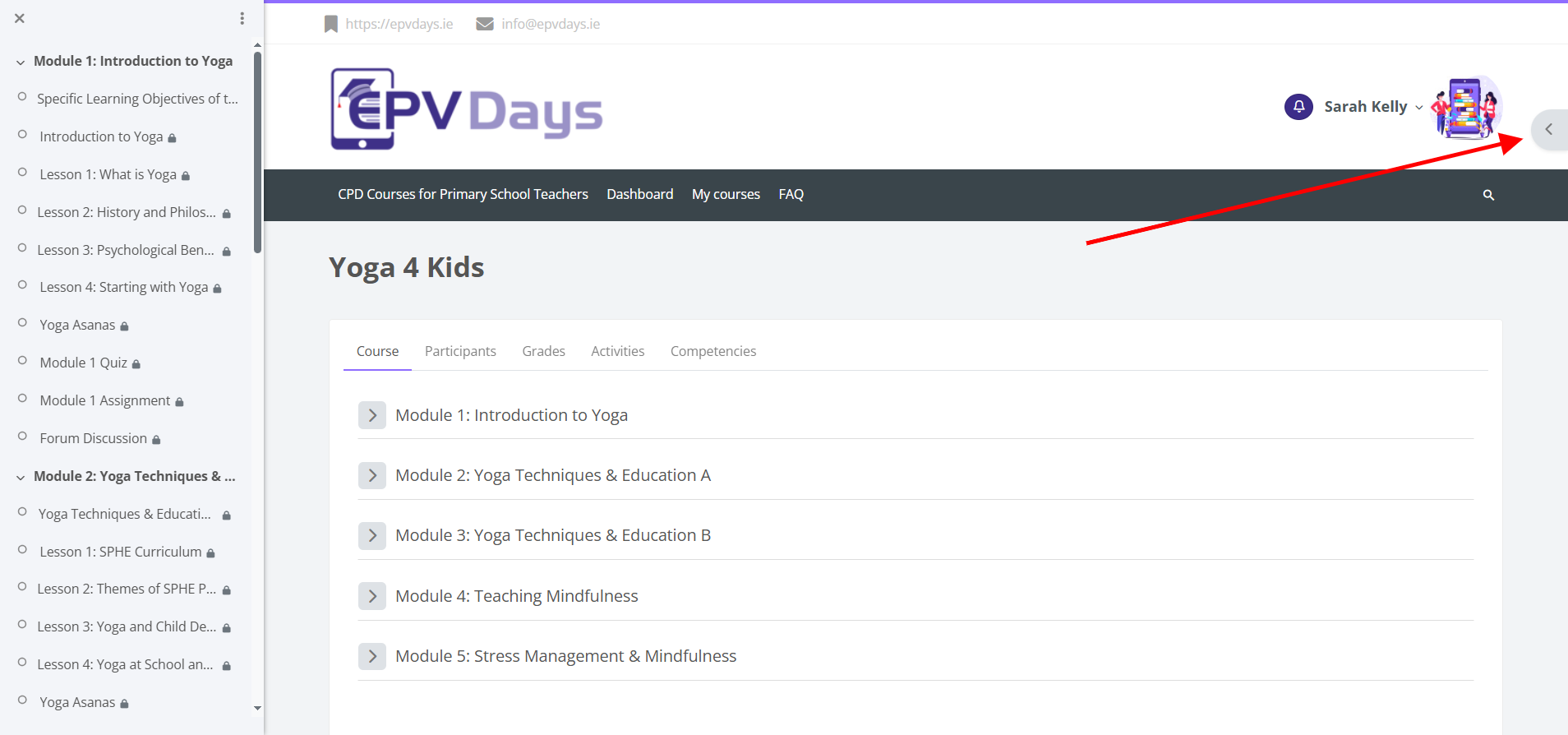
On the right-hand side of your course content, click the grey arrow to display a block called ‘Course Dedication’.
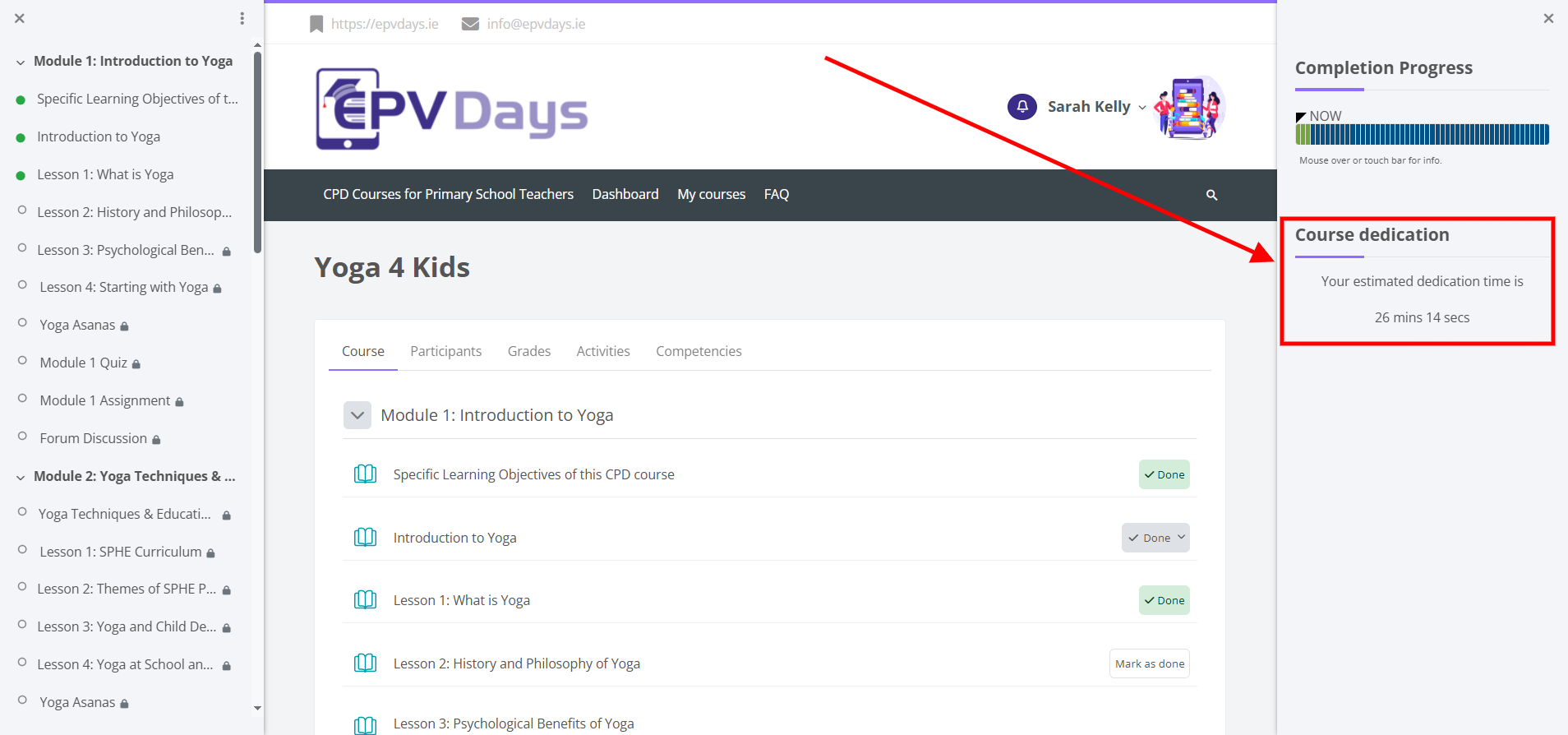
This block tracks active movement. Time spent on external sites or writing inside Microsoft Word will not log time onto the system.
⏳ How many hours do I have to complete?
All participants must complete 10 active hours online and 10 hours offline (research purposes) for any given course. The DES requires that you spend 10 hours online, as well as 10 hours offline in your own time, in order to be awarded a certificate.
📝 What do I have to do when enrolled on a course?
- Complete 10 active hours online and 10 hours offline (research purposes).
- At the end of each module, there is an activity for you to complete.
- Reply to all forum discussions (2-3 forum discussions per module). If the course has 2 forum questions, you must answer both. If it has three, you are required to contribute to 2 out of the 3.
- Once you have completed these requirements, you may proceed to the next module.
- Complete a final assignment (minimum 500 words).
"Reflect on and discuss how course material could be used both in a personal and professional capacity. Please include learnings and new ideas acquired from at least 3 modules that might be useful to support your teaching in the coming school year."
⚠️ All of the above requirements must be completed by 5pm on 21st August 2026.
⚙️ How is the time I have spent online tracked?
The time tracking system operates in 20-minute segments and records every single key/mouse stroke you make. You need to be actively moving through the course for the time to register.
If you log in, read a chapter, and walk away for more than 20 minutes, the system assumes you are inactive and stops clocking your time. Time spent on external sites is NOT recorded as part of your dedication time.
Once you reach your 10 hours, your tutor will review your submissions and grade your course.
📋 Do I need to submit hours spent offline to EPV Days?
No, you do not need to submit your offline hours to us. However, you should safely document and retain them in case a Department Inspector requests to see them.
🎥 Is time spent watching videos/presentations counted?
Yes. The tracking starts when you click on the video. However, you MUST move to the next section immediately after finishing the presentation for that accrued time block to fully save and record.
🖥️ Is time spent writing in Microsoft Word counted?
No. If you compose your final assignment inside MS Word, the platform cannot detect it. To circumvent this, keep the browser tab active by clicking somewhere inside the course platform at least once every 20 minutes.
✍️ How can I edit a forum post?
You have a strict 30-minute window to edit any forum post after submission. Beyond this timeline, you must publish a fresh, distinct post meeting the DES-regulated 100-word minimum threshold.
❓ How can I edit a Quiz I have taken?
If you've made an error, you must fully complete and submit your active current attempt before the software opens a feature enabling a new quiz retry sequence.
🎓 Where is my Certificate and when will I get it?
Certificates are systematically processed and distributed via email on Fridays. If yours has not landed, ensure you have ticked off these criteria:
- Completed a minimum of 10 structural hours online.
- Contributed uniquely to each module forum at least twice (100+ words per entry).
- Submitted a structural final assignment matching or exceeding 500 words.
🔄 Can I do two courses concurrently?
No. All training modules must be executed consecutively. You must formally close out and complete your active course structure before the system clears you to load a brand new enrollment tracking module.
🔑 What do I need to register to complete a course?
You must provide your official legal name and your registered Teaching Council Number during validation.
📅 When do the courses run and what is the final deadline?
Courses run from 1st July until 21st of August 2026. All forum threads, time logs, and journal uploads must hit the server securely before the final cutoff at 5:00 PM on 21st August 2026.
🤝 When is support available to me?
Our technical helpdesk operates standard hours:
- Email Queries: 9:00 AM – 5:00 PM (Monday to Friday)
- Phone Channels: 10:00 AM – 4:00 PM (Monday to Friday)
🛑 Impersonation and Plagiarism Policy
If a participant is suspected of Plagiarism, Impersonation, or manipulating the time tracking background scripts, the course tutor will immediately file an escalation to the Course Director for a formal investigation.
⚠️ Verified violations will result in immediate disqualification without access to certificate issuance or course fee refunds, and a formal incident brief will be forwarded straight to the DES.